Get Ready for School Year 2026-27
Explore the resources on this page to prepare for the start of school, whether you're returning for another year or just starting your journey at CPS.
Reminders for the Start of School:
- K-12 First Day: The school year starts on Monday, August 24, 2026. It will be the first full day of classes for students in grades K-12. Some charter school start dates differ.
- Pre-K First Day: The first day of school for all Pre-K students is now Tuesday, August 25, 2026.
- School Menus: CPS serves free breakfast and lunch to every student all year long. View your school menu for more information.
- Getting to School: CPS students and accompanying adults can get a free ride on CTA buses and trains on the first day of school.
- School Hours: To check school hours, search for your school using the CPS School Locator.
- New to CPS? Start your journey by enrolling a student.
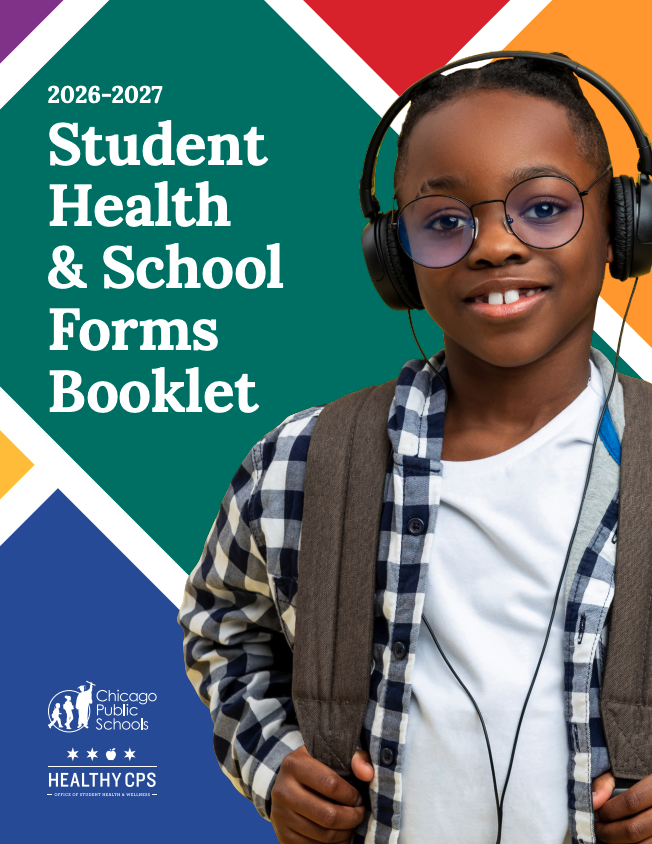
Student Health & School Forms Booklet
To prepare for the next year of school, read through the Student Health & School Forms Booklet carefully for information about CPS health requirements and services for the upcoming school year. All parents and guardians must submit the following forms found in the booklet to their school:
-
Student Medical Information
-
Request for Emergency and Health Information
-
School Messaging Consent Form
-
Media Consent Form and Release
-
Family Income Information Form
Resources For the Start of School
Family Resources
-
Student Health & School Forms Booklet [ English PDF Spanish PDF ]
To prepare for the next year of school, read through the Student Health & School Forms Booklet carefully for information about CPS health requirements and services for the upcoming school year.
-
Accessing Your CPS Account [ Webpage ]
Get your technology ready for school by logging into or setting up your CPS account through the Parent Portal. All students are issued a CPS account upon enrollment; however, students who have never logged in will need to claim their account before they can access their email and other CPS applications.
-
Parent and Student Guide [ English PDF Spanish PDF ]
The SY26-27 school year guide includes basic information about the upcoming academic year.
-
District Calendar [ Digital Calendar English & Spanish Arabic Polish Simplified Chinese Ukrainian Urdu Vietnamese ]
-
Safety Is Everybody’s Responsibility [ English PDF Spanish PDF ]
The safety guide provides practical tips, emergency contact numbers, and guidelines to help you create secure environments for your child at home, in the community, and on their daily commute to school.
-
Getting Ready for Pre-K [ English PDF Spanish PDF Chicago Early Learning Website ]
Pre-K is the beginning of a new phase in your child’s development. Give your child
a strong start with these activities before the first day. -
Getting Ready for Kindergarten [ English PDF Spanish PDF ]
Your student is on their way to starting kindergarten! This is an exciting time. A strong transition from preschool will set up your child for success in kindergarten and beyond. This guide includes ideas and strategies to support this transition.
-
Medical and Food Benefits [ Webpage English & Spanish PDF ]
CPS' Children and Family Benefits Unit (CFBU) provides families with social services support, including Medicaid (health insurance) and SNAP (nutrition benefits) enrollment. We can connect you to free and low-cost food, healthcare, and emergency resources to keep your family healthy and safe.
-
Students in Temporary Living Situations (STLS) [ Webpage ]
STLS provides support and services to CPS students experiencing housing instability, including assistance with enrollment, school meals, fees, transportation, and more.

-
Transportation Services [ Webpage ]
Your student's school is your main source for information about eligibility for transportation services provided by CPS. To find out if your child is eligible, contact your school directly or call the CPS Office of Transportation Services at 773-553-2860.
-
Safe Passage Routes [ Webpage ]
The Safe Passage program is offered to select schools to provide a positive, trusted adult presence for students as they travel to and from school. Safe Passage workers are posted on Safe Passage routes to support children traveling to and from school during arrival and dismissal bell times.
-
Public Transit [ Webpage ]
To learn more about Ventra passes for CPS students, please contact your school directly. Contact information for your child's school can be found by using the CPS School Info Map.

Academic Resources
-
Enrollment Procedures/Requirements [ Webpage English PDF Spanish PDF ]
The first time a child enrolls in a district school, the parent, legal guardian, or temporary caregiver must present proof of their child’s age and Chicago residency, and the required medical forms before the start of the school year.
-
High School Graduation Requirements [ Webpage ]
CPS high school graduation requirements were developed to prepare students for success after high school. Students have flexibility in choosing courses to meet the requirements.
-
Elementary School Promotion Policy [ Webpage English PDF Spanish PDF ]
CPS elementary school promotion policies ensure all students are prepared for the grade to which they are promoted.
-
Report of Student Achievement, Grades 1-8 [ English PDF Spanish PDF ]
The Report of Student Achievement, Grades 1-8, reflects your child’s progress toward mastering the Illinois Learning Standards, which establish what students need to know and be able to do at every grade level. The report card provides information on how your child is progressing toward meeting the standards for their grade level. If needed, your child receives additional support at school to meet the standards.
-
Report Card for Kindergarten [ English PDF Spanish PDF ]
The Report Card for Kindergarten is issued at the end of each of the four reporting periods. This report card will communicate your child’s progress during a reporting period. You are responsible for picking up the report card from your child’s teacher at the end of the first and third reporting periods. Your child is responsible for bringing the report card home at the end of the second and fourth reporting periods.
Meals at School
CPS provides all students free breakfast and lunch meals. Some schools also serve after-school snacks, after-school suppers, Saturday meals, and summer meals. For questions, please email food@cps.edu.

Meals at School
CPS provides all students free breakfast and lunch meals. Some schools also serve after-school snacks, after-school suppers, Saturday meals, and summer meals. For questions, please email food@cps.edu.
Packing For School
It’s important for you and your child to be prepared for the first day of school, and checking this list of recommended school supplies is the best way to make sure our students have everything they need.
The school supply list is subject to change per teacher request. Please contact your child’s school to get a complete list of the school supplies needed for the upcoming school year. School contact information is available on the CPS School Locator.
Accessing Your CPS Account
Get your technology ready for school by logging into or setting up your CPS account. This will give you access to all the Google Tools needed for classroom activities. All students are issued a CPS account upon enrollment; however, students who have never logged in to their account will need to claim their account before they can access their email and other CPS applications.
GENERAL SUPPORT
Healthy CPS Hotline
Monday - Friday
8:00 am – 5:00 pm
773-553-KIDS (5437)
TECHNICAL SUPPORT
CPS Parent Tech Support Hotline
Monday - Friday
7:30 am - 4:30 pm
773-417-1060